
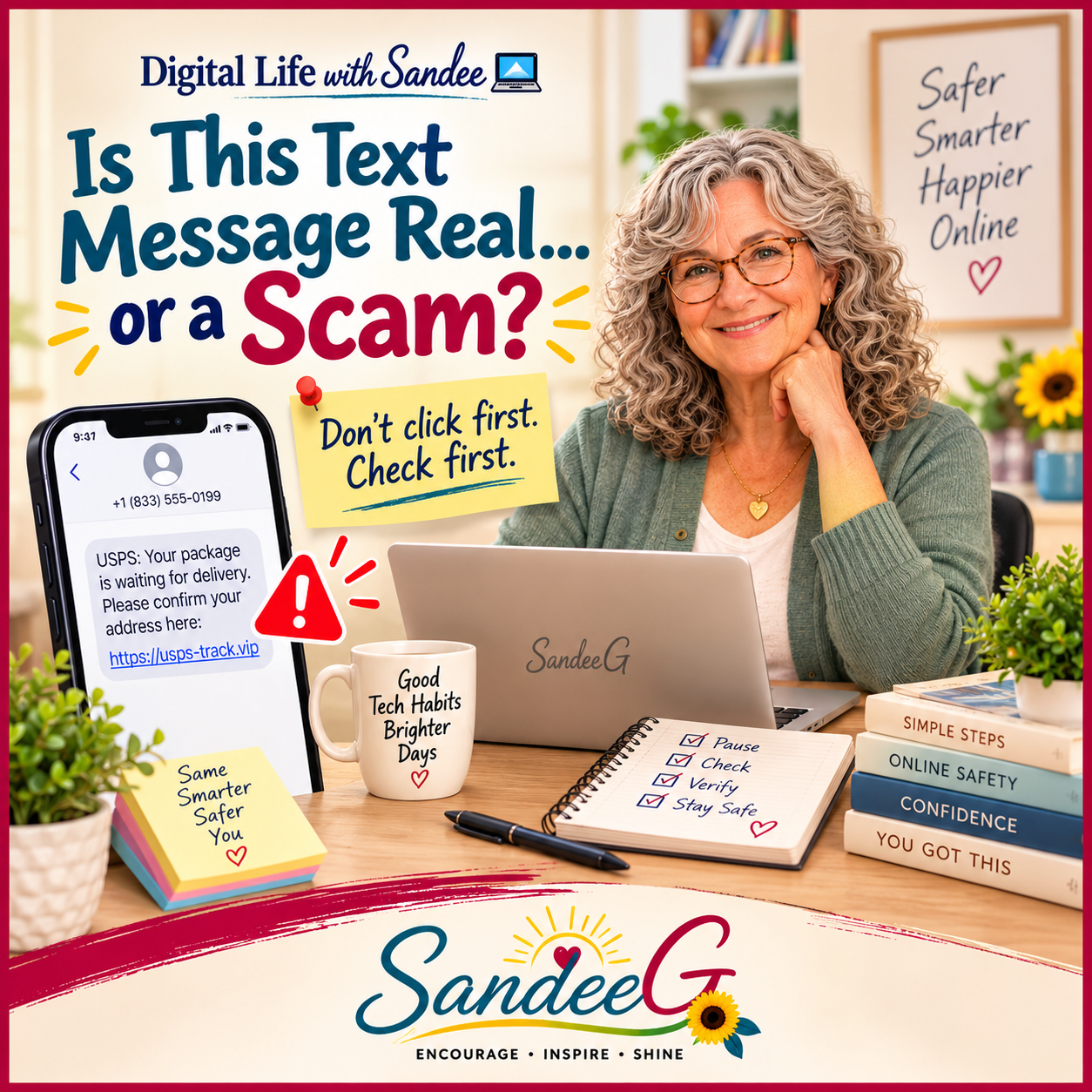
You get a text that says, “Your package couldn’t be delivered. Click here to update your address.” Or maybe it says, “There’s suspicious activity on your bank account. Verify your information now.” Or, “You have an unpaid toll. Pay immediately to avoid additional fees.”
And for a split second, you wonder… Is this real?
That split second is exactly what scammers are counting on. They want you to react before you think.
Scammers Like to Create Urgency
A lot of scam messages have one thing in common: they’re trying to make you feel like you need to do something right now.
Your account will be closed. Your package will be returned. You owe money. Someone tried to log into your account. You won a prize. Your grandchild is in trouble.
Urgency makes people click. So one of the best habits you can build is simple:
Don’t click first. Check first.
Look at the Message Carefully
There are often clues. The message may come from a strange phone number or email address. The wording may sound a little off. There may be spelling mistakes. The link may look unusual. They may ask you to confirm personal information, a password, a credit card number, or a bank account.
But some scam messages look very convincing. They may use a real company name or logo. They may mention a company you actually use. They may even know your name.
That’s why I don’t rely only on whether the message “looks real.”
Don’t Use the Link in the Message
This is probably the biggest thing I want people to remember.
If you get a text that says there’s a problem with your bank account, don’t tap the link in the text. Open your bank’s app yourself or type the bank’s website into your browser.
If the message says there’s a problem with an Amazon order, open Amazon directly and check your orders. If UPS or FedEx says there’s a delivery problem, go directly to their website.
That way, you’re not letting the text message decide where you go.
Be Careful With Verification Codes
Another common trick is asking for a security code.
You may receive a legitimate verification code from a company, and then someone contacts you asking you to give them that code. Don’t.
Those codes are often the last step someone needs to get into your account. If you didn’t request the code, that’s another reason to stop and check what’s going on.
What If You’re Still Not Sure?
You do not have to figure it out instantly. Call the company using a phone number you already trust. Look at the back of your credit card. Use the number on an official bill or statement. Go directly to the company’s website or app.
And yes, this is also one of those times when it makes sense to ask someone you trust to take a look before you do anything. A second set of eyes can catch something you missed.
One Simple Rule
If a message is trying to scare you, rush you, or get you to hand over information, stop before you click.
Check the account yourself. Go directly to the real website or app. And if you still aren’t sure, don’t respond to the message.
Technology changes all the time, and scammers change right along with it. But one habit still works pretty well:
Don’t click first. Check first.
That one little pause can save you a whole lot of trouble.
Digital Life With Sandee is all about making everyday technology feel a little less confusing — one practical tip at a time.